All plans; some actions depend on the consultant’s plan
What your client sees
Help a client find their project, give feedback, and review decisions.
Join using the invitation
Use the invitation sent by your consultant and the email address it was sent to. Set up your own login. If you already have an account, sign in or use Reset password. Your consultant’s Team invitation is for colleagues, not clients.
Find the project and next action
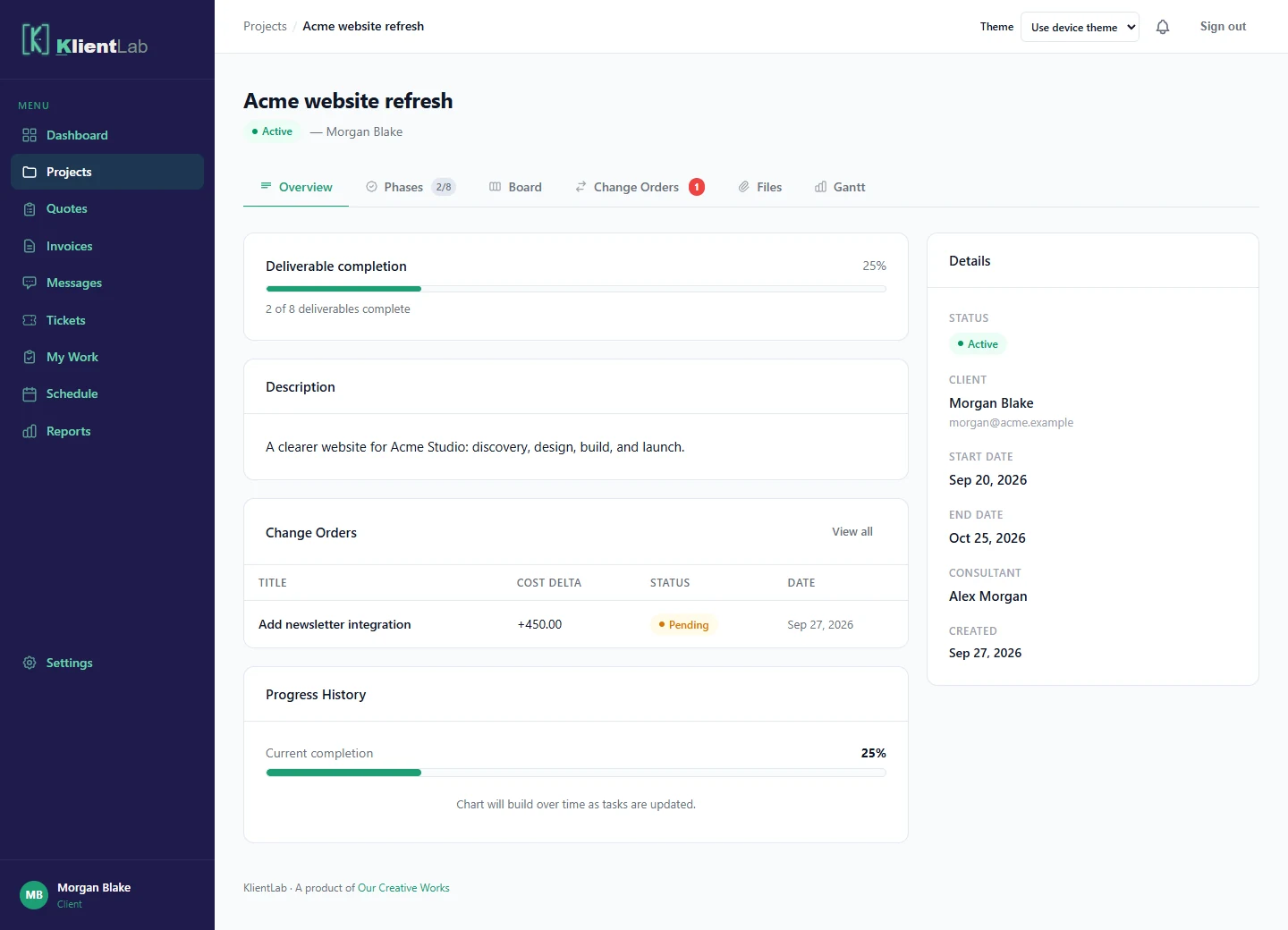
Open the dashboard or Projects, then choose your project. Review phases, deliverable progress, and shared files. Add feedback in the relevant deliverable’s comments so the discussion stays with the work. You do not see the consultant’s other clients or owner-only workspace controls.
Review a quote or change order
Read the scope, amount, and any effect on dates before deciding. A quote or change order that is awaiting your decision provides approval and decline actions. Add a note if clarification is needed. Approving extra work changes the project agreement; it is separate from paying an invoice.
Pay an invoice
Open the invoice from your portal or the link your consultant sends. Check the amount, then use the payment action when it is available. Payment is handled through Stripe. If no payment action is available, contact your consultant to confirm the invoice’s status and payment setup.
If something is missing
Ask your consultant to check that your account is attached to the correct project or invoice. For a question about the work, use Messages or the relevant project comment. Use Tickets for ongoing support if your consultant has enabled that feature.