Pro and Business
Agree extra work before doing it
Record the cost and schedule impact of a request and collect a client decision.
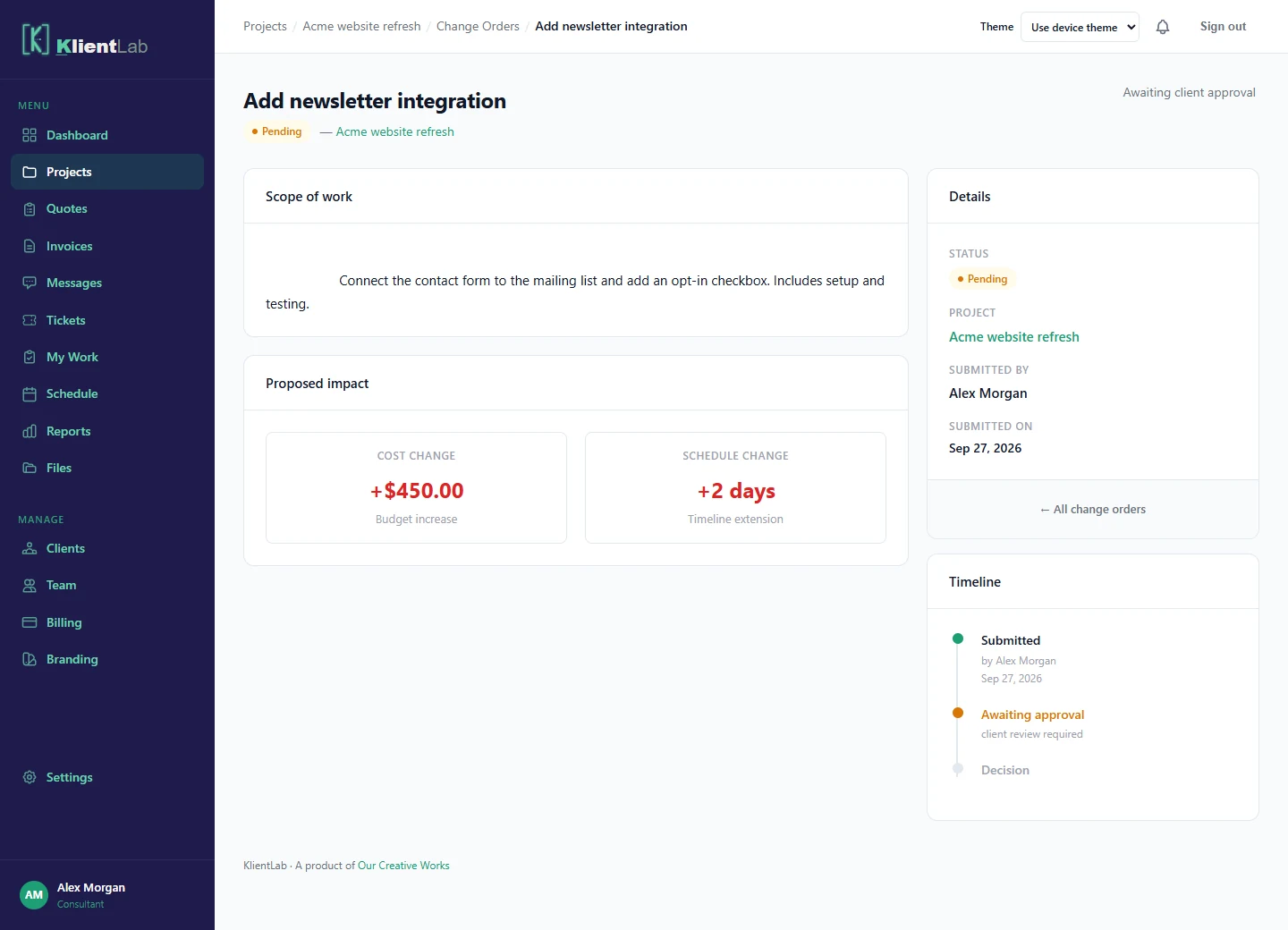
Describe the change
- Open the project’s Change Orders tab and create a change order.
- Give the request a specific title and description.
- Enter the change in cost and the number of days added or removed.
- Review the details before creating the request.
Wait for the client’s decision
The client reviews the pending request and approves or rejects it. Keep the extra work out of the agreed delivery plan until the decision is made. Use the review note to understand any objection or clarification.
Check the updated agreement
An approved change adjusts an existing project budget and, where an end date exists, the schedule. Set the project budget and dates first if you want those totals to reflect the change. Approval records the agreement; it does not itself collect payment. Review the updated project and invoice the additional work according to your agreement.